Samsung Display: Display Centric World

A near-future that blends text and screens

Text, video, audio and several other interaction types become a common part of media. Everything blends between the visual and the textual and back again. We are surrounded with multi-touch media that uses highly engineered displays and companion technologies.

Samsung Display created the video below to share its vision of the future and to show how its panels could be implemented across consumer and enterprise markets.

What the film is really selling

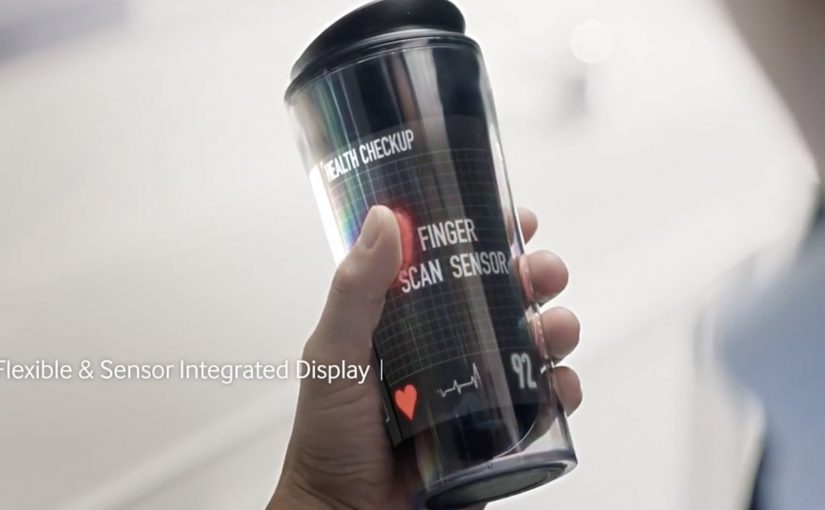
The premise is not “better screens.” The premise is “more surfaces become screens.” Here, a display-centric world means a world where screens become the default surface for access, guidance, and collaboration across daily tasks. The film repeatedly puts interactive display surfaces into everyday moments. Cafés, classrooms, retail, commuting, and healthcare all become scenarios where information appears in place, on demand, and in the exact format that fits the situation.

Samsung Display originally presented this concept film as part of its Analyst Day 2013 narrative. The message is clear. When displays get thinner, lighter, and more flexible, the interface stops being a device and starts being the environment.

In consumer electronics and enterprise IT, display surfaces are becoming the default interface between data, services, and people.

Why it lands

Vision films work when they turn a technology roadmap into felt moments. Here, the “wow” is not a single gadget. It is the continuity of interaction. You move between surfaces without re-learning the interface, and information follows you in a way that feels natural rather than like a series of app launches. It works because repeated interaction across familiar settings makes the future feel less like a prototype and more like a habit.

Extractable takeaway: The fastest way to make an emerging technology believable is to show the same interaction pattern repeated across multiple contexts, until it reads like an everyday habit.

The hidden dependencies behind a display-centric world

A world full of screens implies a stack of enabling layers that the film only hints at. Sensors to understand context. Identity and handoff to move work between surfaces. Content designed for glance, touch, and collaborative viewing. And a trust model that makes people comfortable when “the room” is also an interface.

The real question is what workflows get simpler when the display is no longer tied to a single endpoint. If you watch it as an enterprise leader, that is where the real productivity story starts.

What to borrow from Samsung’s interface vision

  • Prototype interactions, not products. A single interaction pattern shown in five contexts communicates strategy better than five unrelated gadgets.
  • Make “handoff” the hero. The magic is continuity. Show how content moves between surfaces and people without friction.
  • Design for groups, not just individuals. Many enterprise use cases are collaborative. Surfaces that support shared viewing and shared input are the point.
  • Pressure-test trust. If your interface becomes ambient, you need explicit cues for privacy, control, and intent.

A few fast answers before you act

What is “Display Centric World” by Samsung Display?

It is a concept film that imagines a near-future where interactive displays are embedded into many everyday surfaces, making screens a pervasive interface rather than a single device.

What is the core idea the film communicates?

That as display tech becomes thinner, lighter, and more flexible, the interface shifts from dedicated hardware to the surrounding environment, with consistent multi-touch interaction across contexts.

Why do these “future vision” videos matter for brands and enterprises?

They translate a technology roadmap into concrete usage scenarios, which helps teams align on what to build, what to partner for, and what behaviors they are trying to create.

What are the key dependencies a display-centric world requires?

Context sensing, identity and handoff, content designed for multiple viewing distances and collaboration, and a trust model that makes ambient interfaces feel safe and controllable.

What is the most transferable lesson for product teams?

Build and communicate around repeatable interaction patterns and seamless handoffs. Products change quickly, but interaction habits scale across devices and surfaces.
IAA 2011: Walk of Innovations

I was at the IAA 2011 this Saturday, and I got a glimpse of our automobile future. It felt awe-inspiring. Almost all electric. Fully computerized. Interactive dashboards and even window displays.

But while I looked at the cars with amazement, I kept a close look out for innovative implementations of “today’s” cutting-edge technologies. I was curious to see how car makers use touch displays, social media, QR codes, and augmented reality to engage visitors at such a massive event.

Here, augmented reality means a phone-triggered digital layer added on top of a physical object or display.

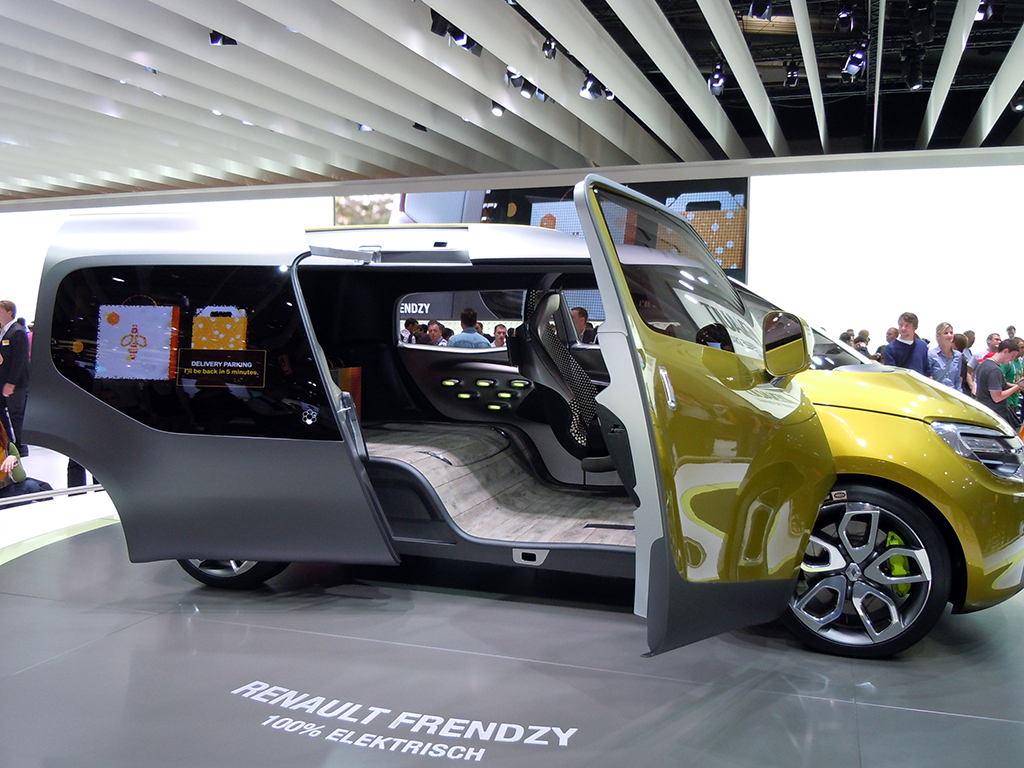
Renault Frendzy. 100% Electric

Here is a quick photo report of what I found interesting and innovative at the show.

Volkswagen

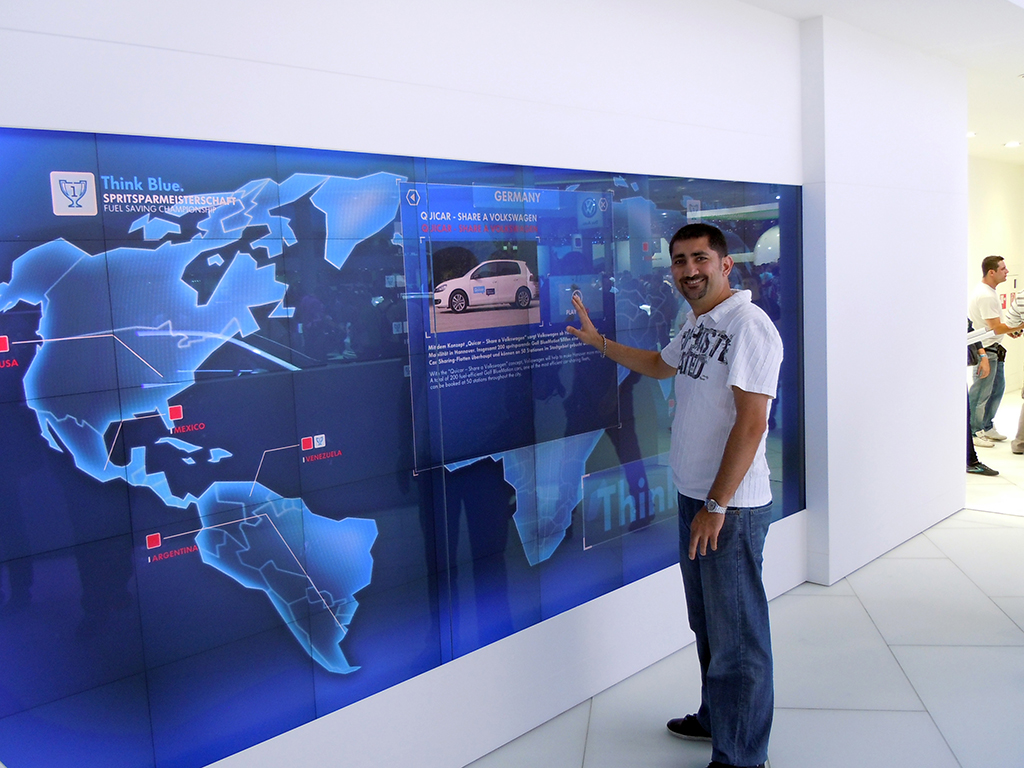
Volkswagen Interactive Motion Display

The Volkswagen BlueMotion technology was presented through a huge motion-based interactive display. Visitors did not need to touch the display. They used various gestures to navigate through the menu options.

Renault

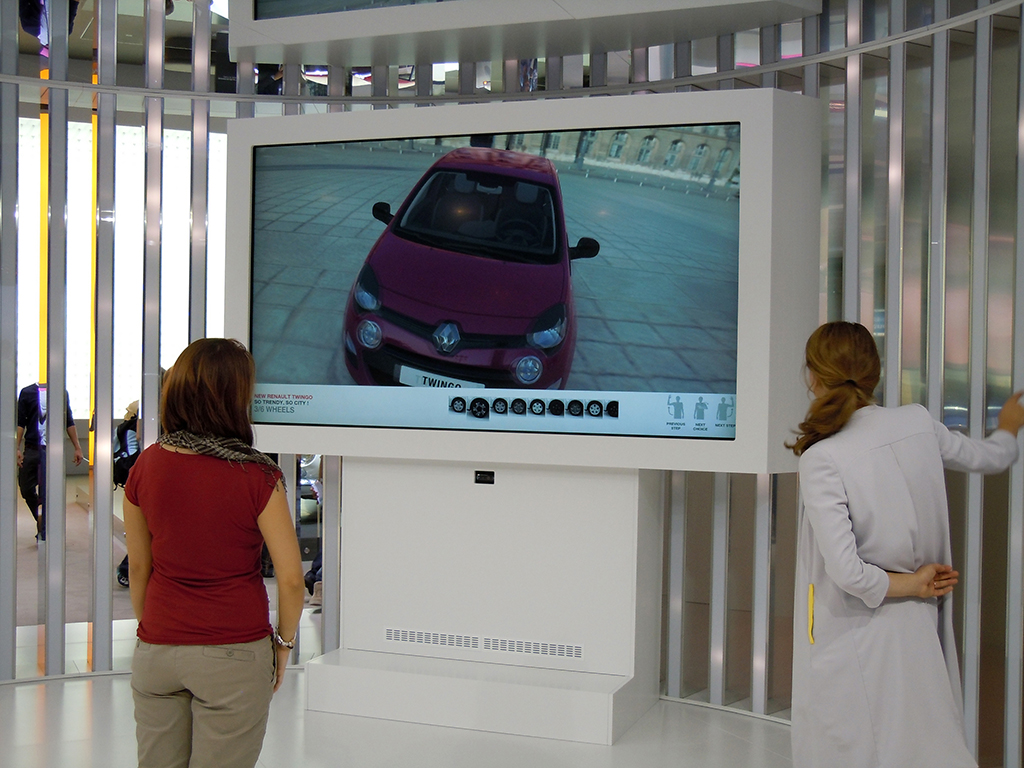
Renault Twingo

Visitors used the motion-based interactive display to learn more about the Renault Twingo. They could also change the colors of the model and watch demo videos.

Hyundai

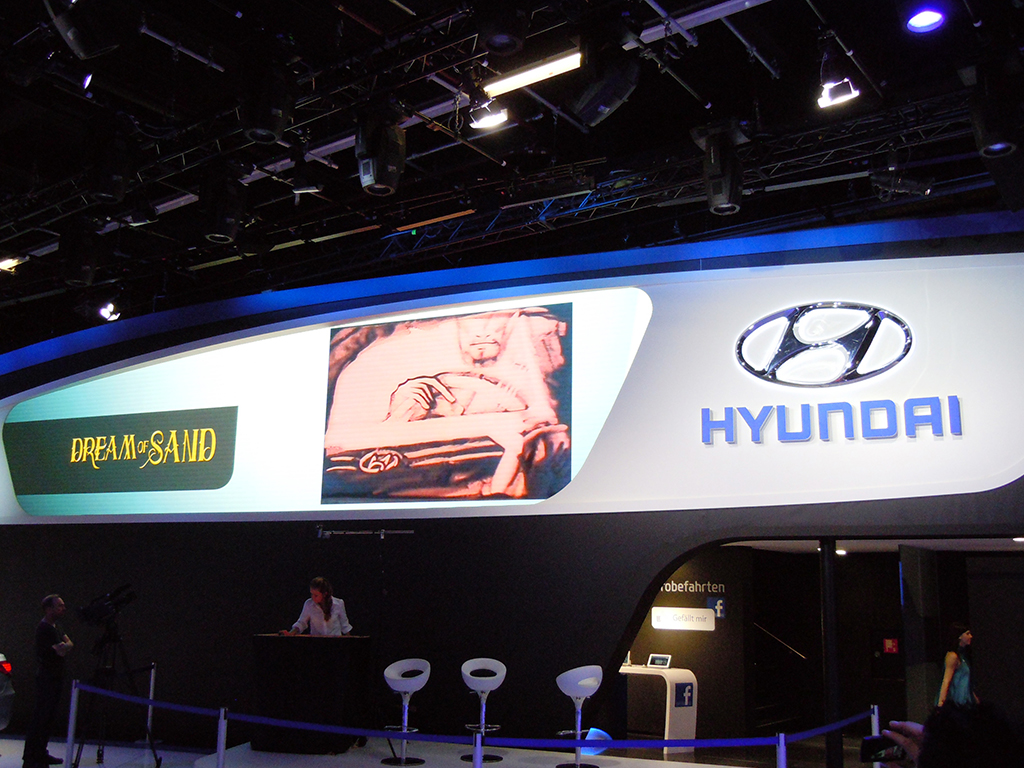
Dream of Sand

The main draw at the Hyundai stall was the “Dream of Sand” show by Svetlana Goncharenko and Natalya Netselya, who created vivid pictures in real time using sand.

Hyundai was also one of the only car brands trying to connect the stand with Facebook. Visitors needed to “Like” the Facebook page in order to be part of a lucky draw that gave them a chance to drive a Hyundai dream car. Important details like the fan page URL and contest information were not visible, or not easily accessible.

Skoda

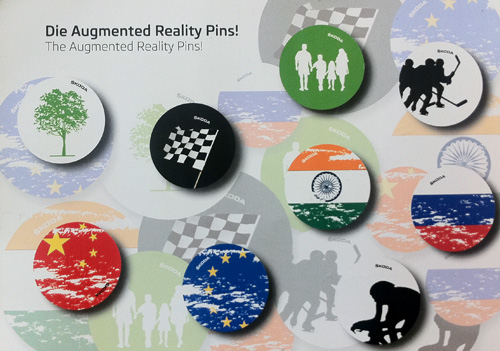
Skoda Augmented Reality Pins

Skoda gave visitors augmented reality pins. The Junaio AR app was used to scan the pin and activate the augmented reality. Most of the pins were gone by the time I got there, so I scanned the info card instead. It did not trigger the 3D surprises that the pins would, but it did offer a set of regional videos.

Citroën

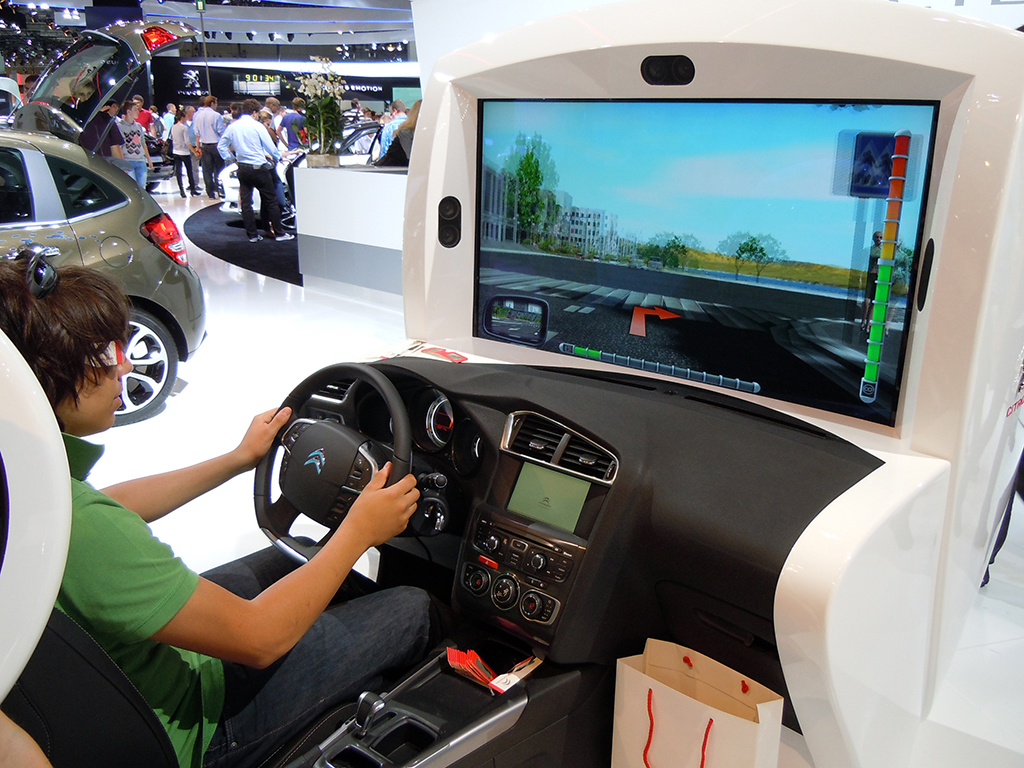
Citroen Eco Drive

At the Citroën Eco Drive simulator, visitors could take the car for a 3D test drive.

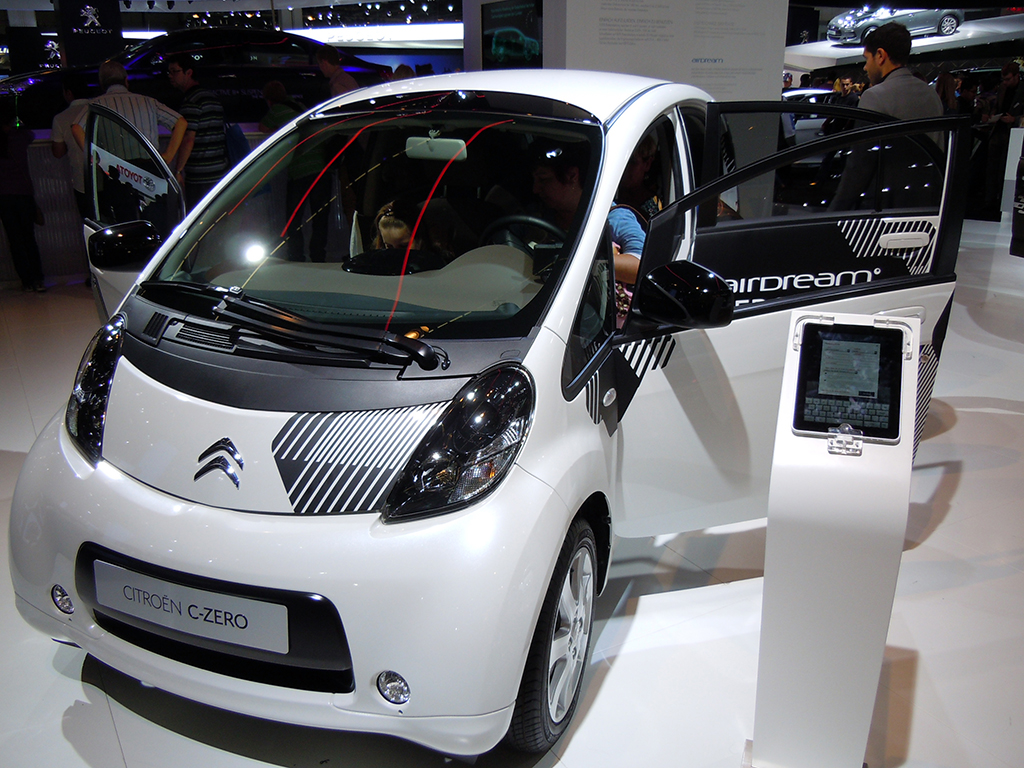
Citroen C-Zero

iPads were used by many car manufacturers to interactively share model specifications, videos, brochures, and to take automated enquiries from high-potential buyers.

Opel

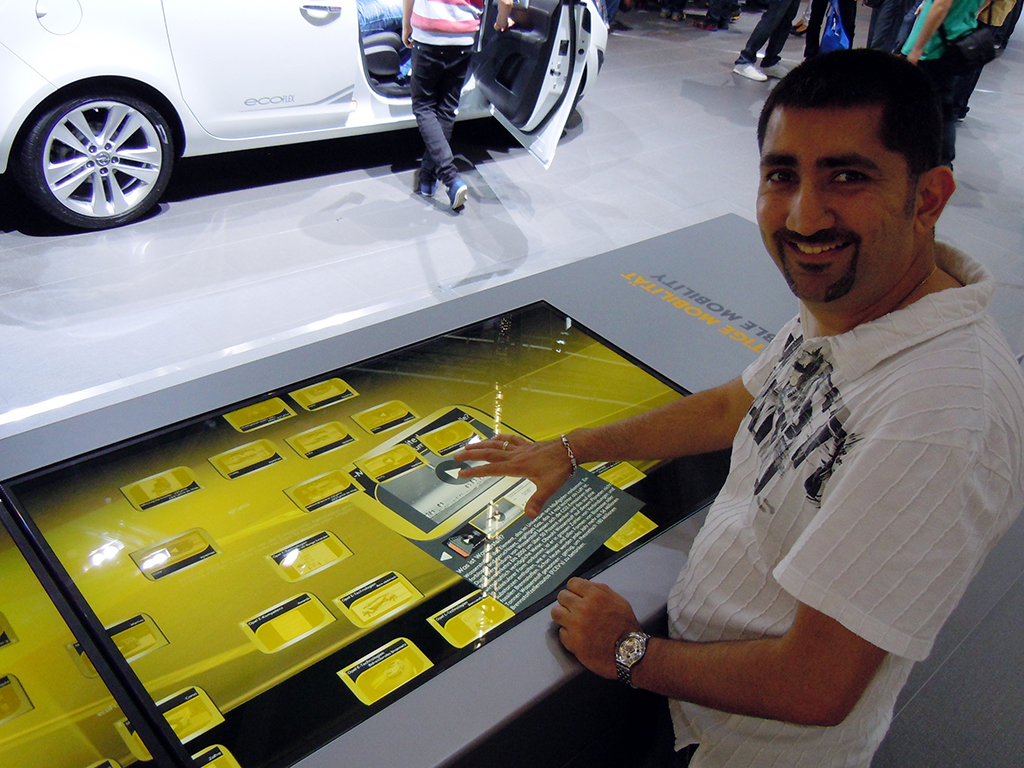
Opel Microsoft Surface setup

Opel used Microsoft Surface technology to share information about its cars. This was my first live experience with Surface. It worked much like the Apple touch interface, even though it did not feel as sensitive and smooth.

Ford

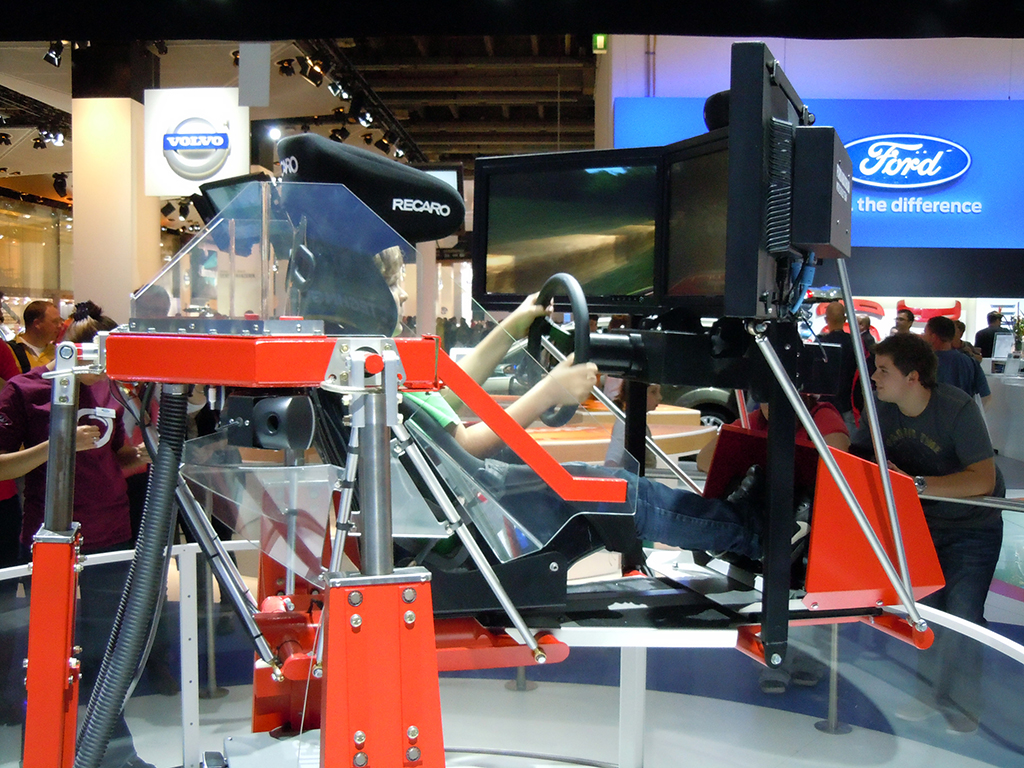
Ford Simulator

Ford, like Citroen and Volvo, set up a car simulator at its stand.

Ford Stamps

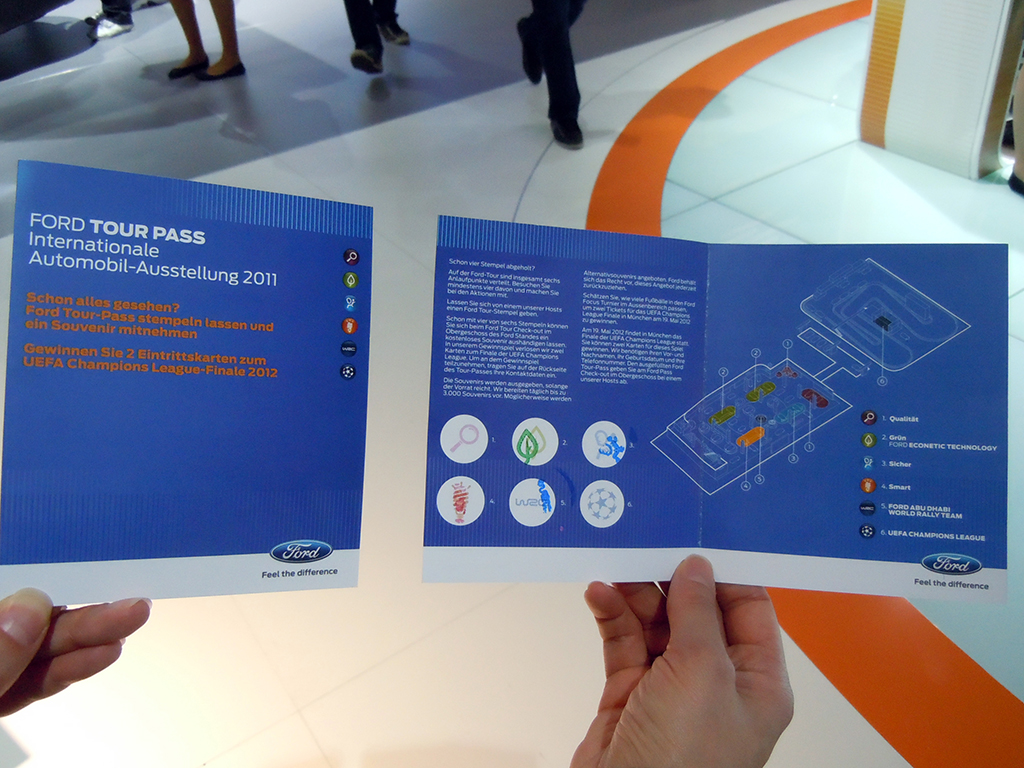
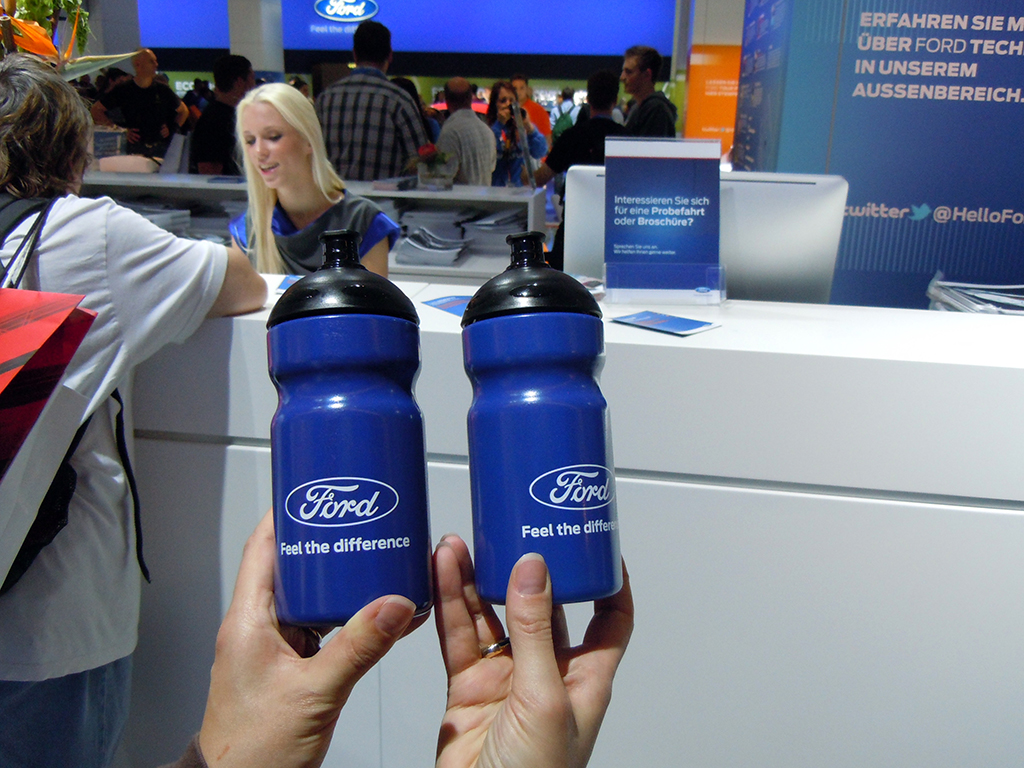
They also engaged visitors with a small “collect the stamps” game. The game made visitors go to each section of the Ford stand, correctly answer some easy questions related to the car and technology, collect the stamps, and get Ford-branded water bottles. Visitors could also play further and win two tickets for the UEFA Champions League Final in 2012.

Ford Bottles

Chevrolet

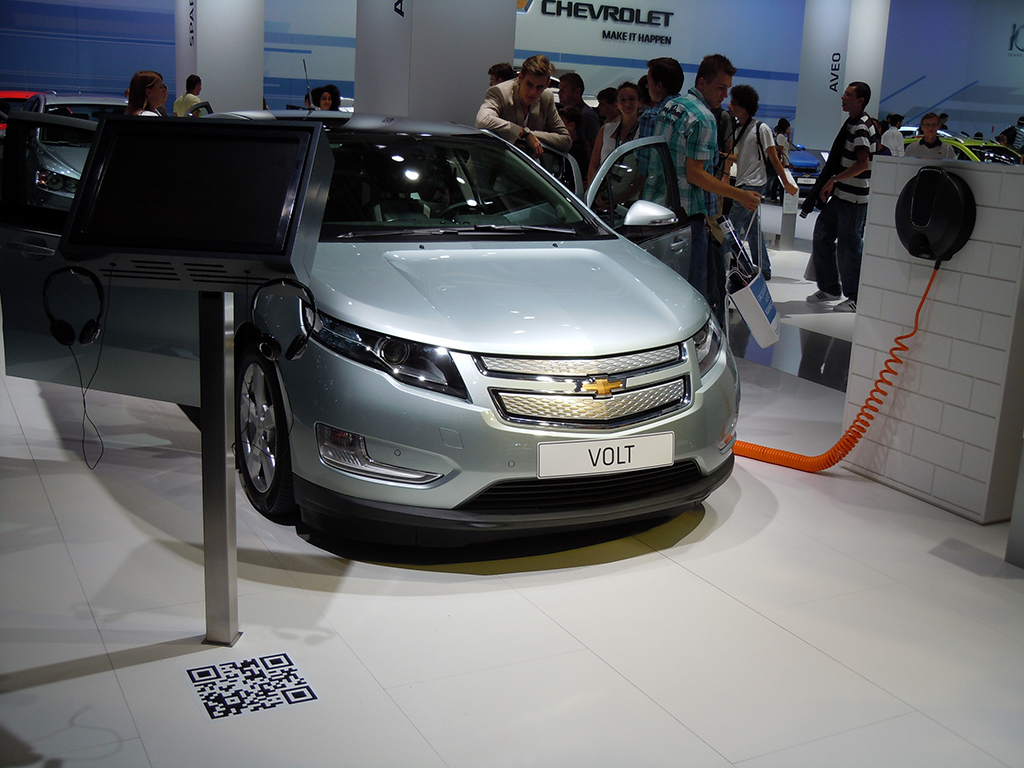
Chevrolet Volt

Visitors could scan the QR code on the floor to view a short Chevrolet Volt specs video.

Volvo

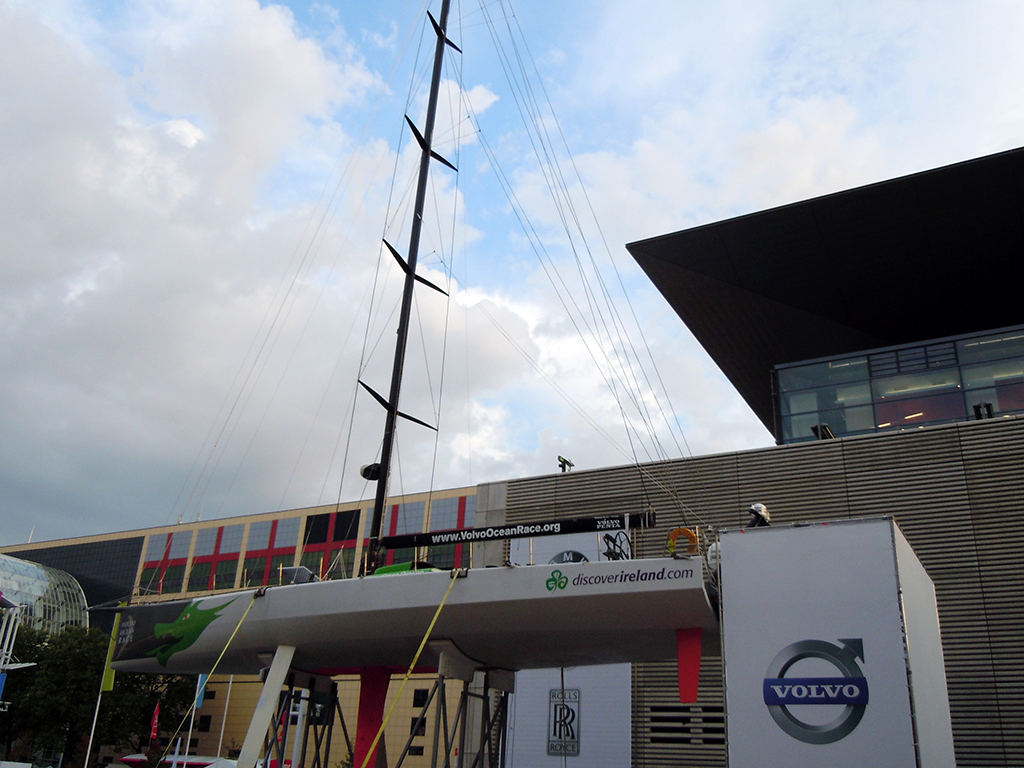
Volvo Sailing

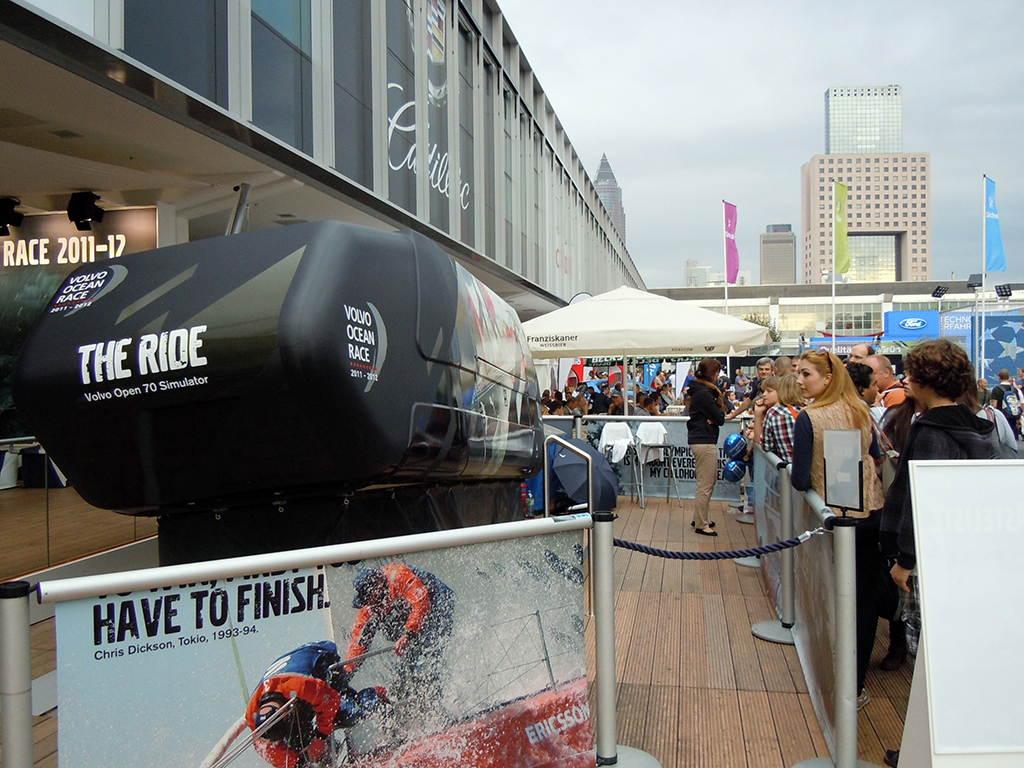
The Volvo Open 70 Simulator gave visitors a first-hand experience of what the Volvo sailing team goes through when they go sailing in the ocean.

Volvo Sailing Simulator

On taking the ride I slid steeply from left to right on the seat. There was also non-stop wind blowing on my head, with regular splashes of water. It created a strong 4D-style experience. By 4D-style, I mean the simulator added physical effects like motion, wind, and water to the visual ride.

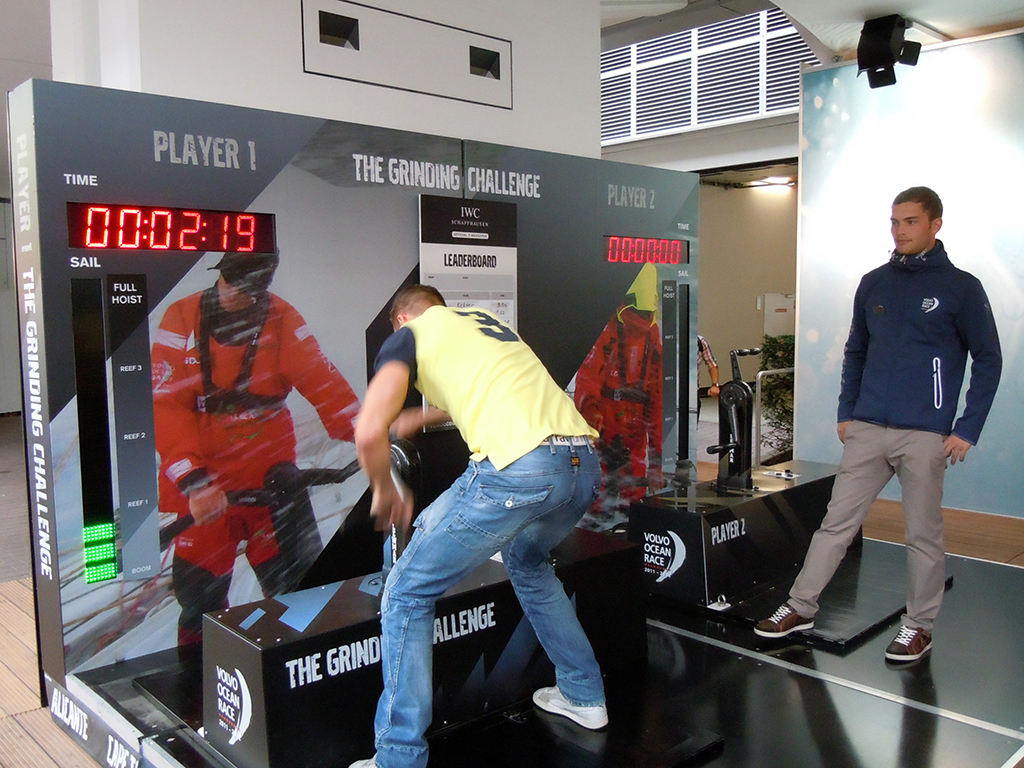
Visitors could also try to hoist a virtual sail. On my second attempt I hoisted the sail in 12.3 seconds. The current record was set at 9.03 seconds by one of the previous visitors.

Volvo Sail Hoisting

Mini Cooper

Mini Cooper stand overview

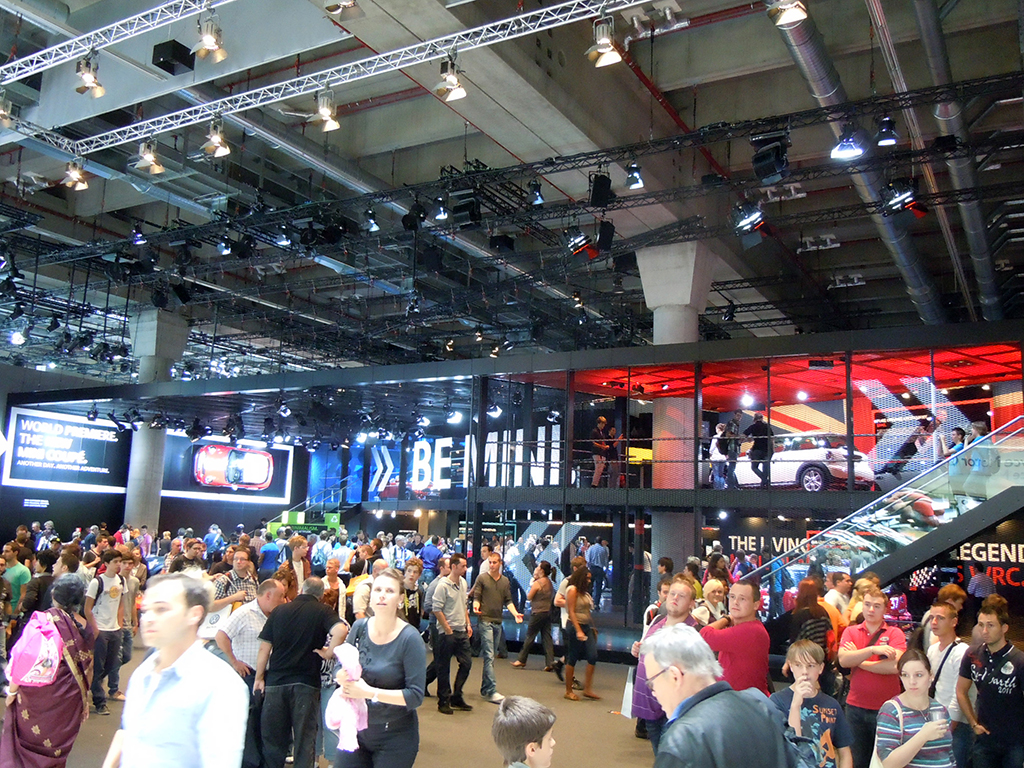
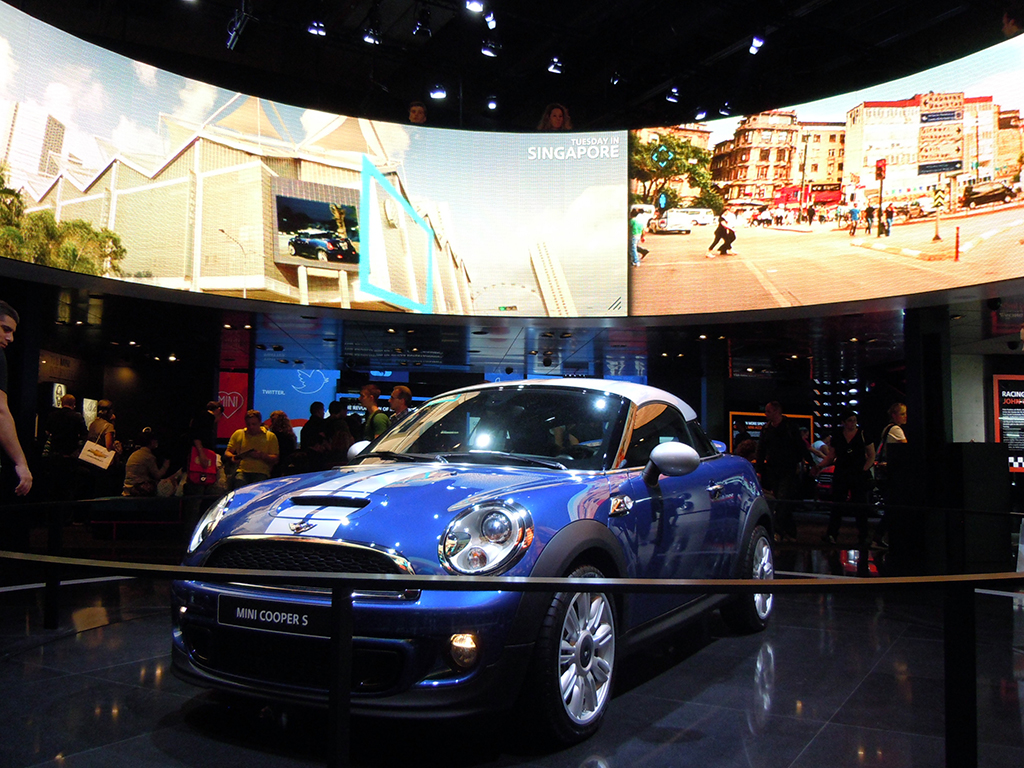
I really enjoyed visiting the Mini Cooper stand. The displays were amazing. A beautiful Mini surrounded by a bright circular display appeared as one entered the stand.

Mini Display

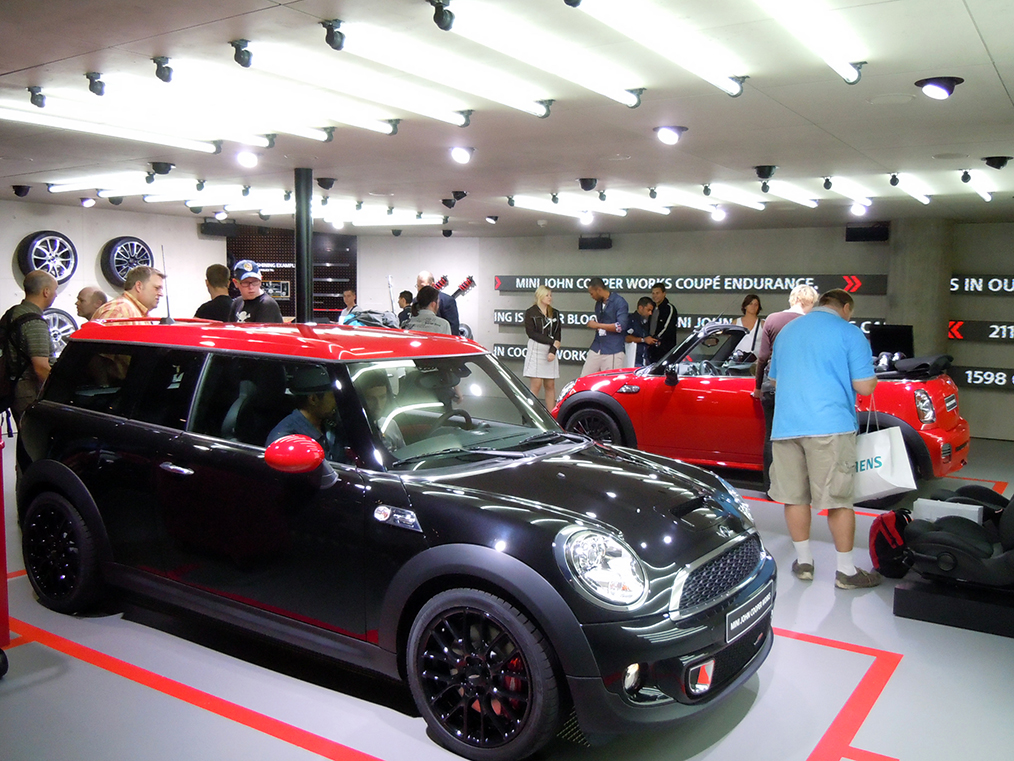
Minis in multiple colors were on display with various digital displays across the walls.

Mini Cooper multiple cars and wall displays

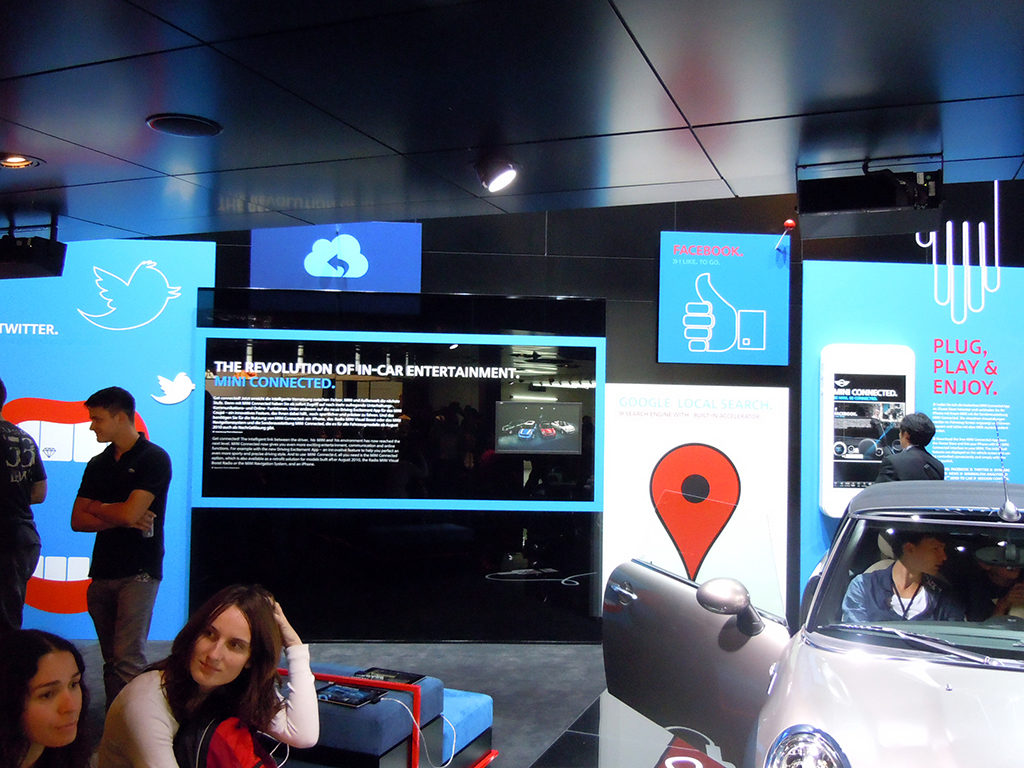
They also showcased their new iPhone app for the car, positioned as the intelligent link between the driver and the Mini. The app claimed to help the driver perfect a more sporty and precise driving style.

Mini iPhone App

I also spotted Lancia, Fiat, and Alfa Romeo promoting their iPhone apps via simple leaflets.

Mini Souvenirs

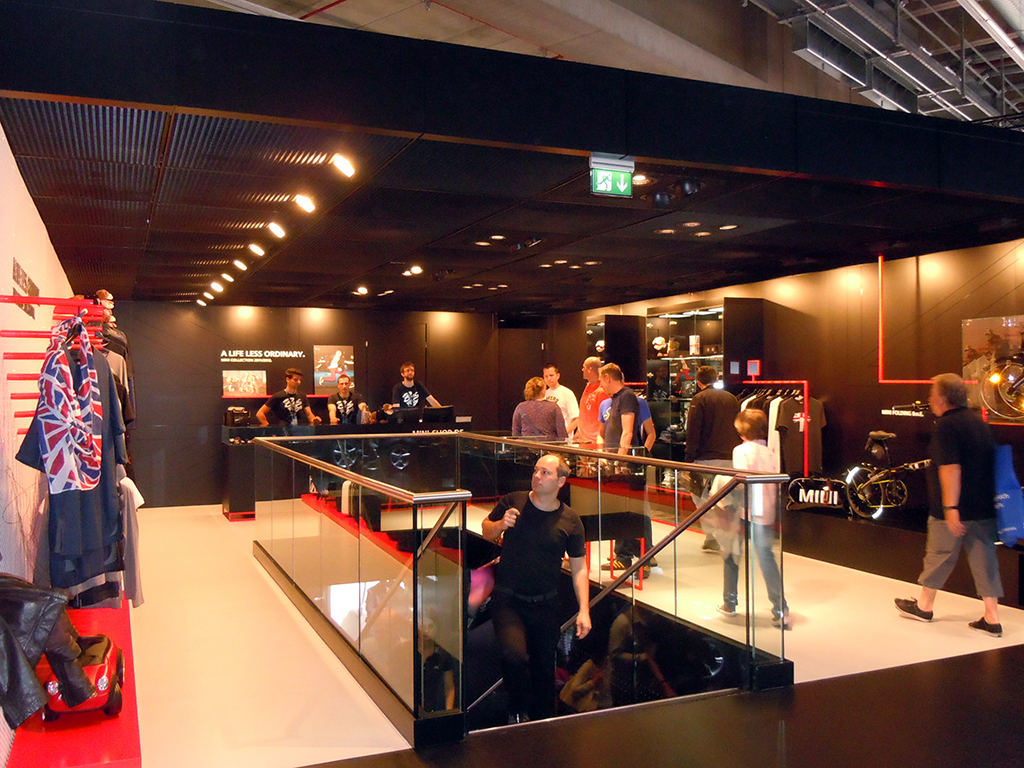
A souvenirs section greeted visitors on the first floor of the stand.

Got my Mini

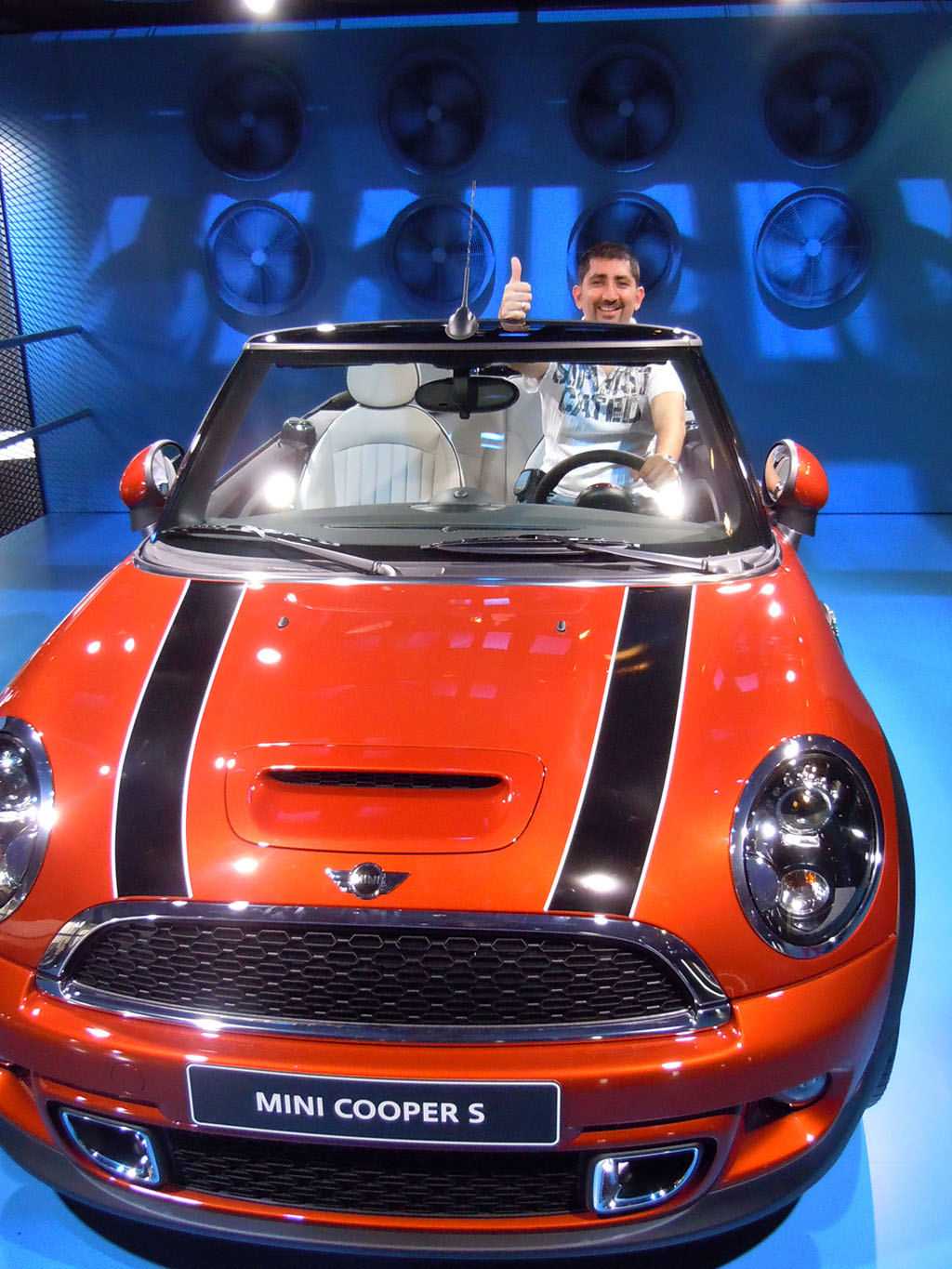
In the end I got to drive my own Mini!

BMW

BMW. Mission Impossible Ghost Protocol car

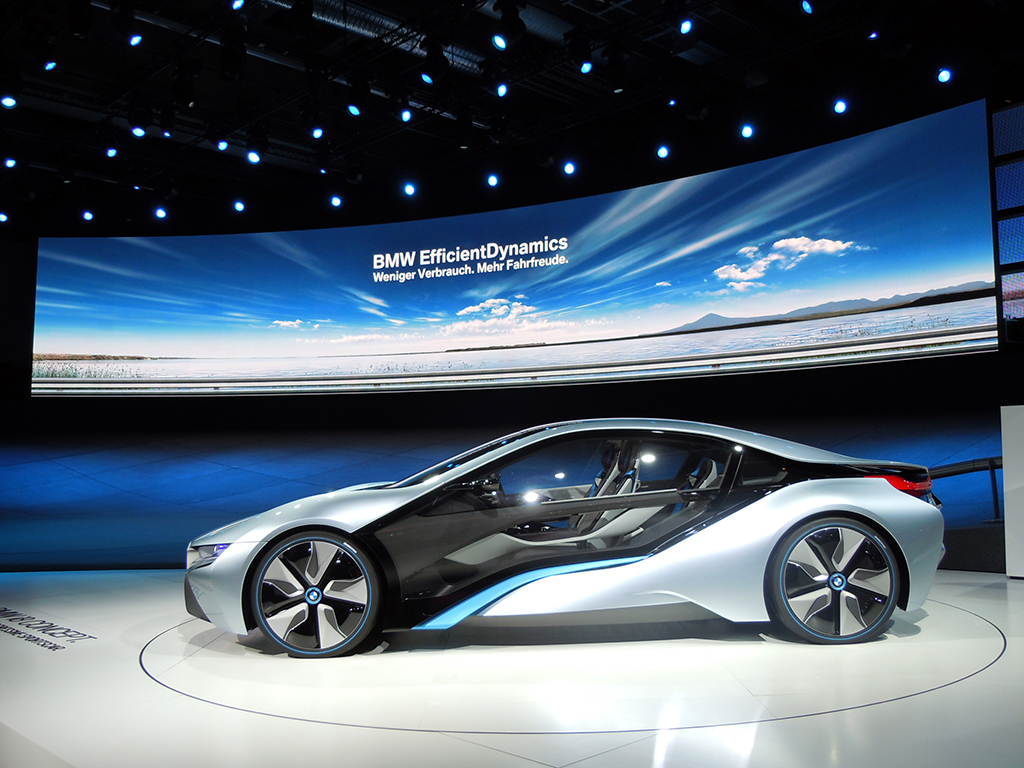
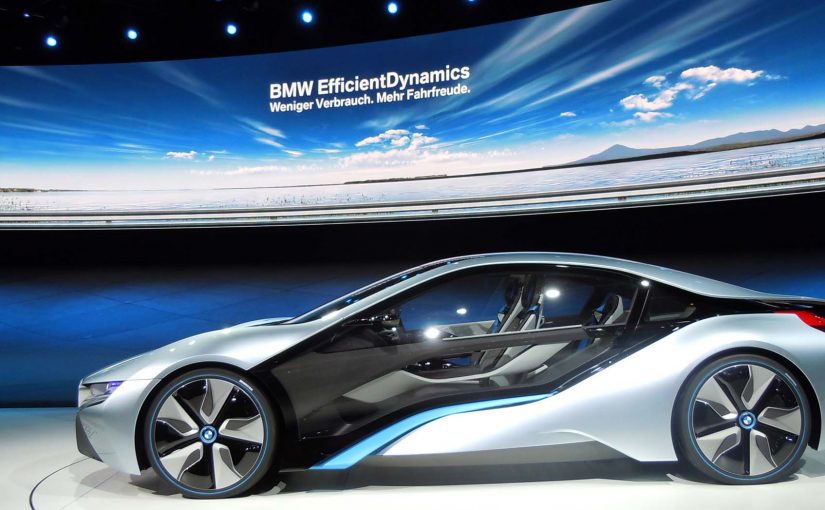
The BMW stand was the biggest in terms of size and digital displays. Two of the most stunning concept cars from IAA were here. The car from the photo above appears in the Hollywood blockbuster “Mission Impossible: Ghost Protocol.”

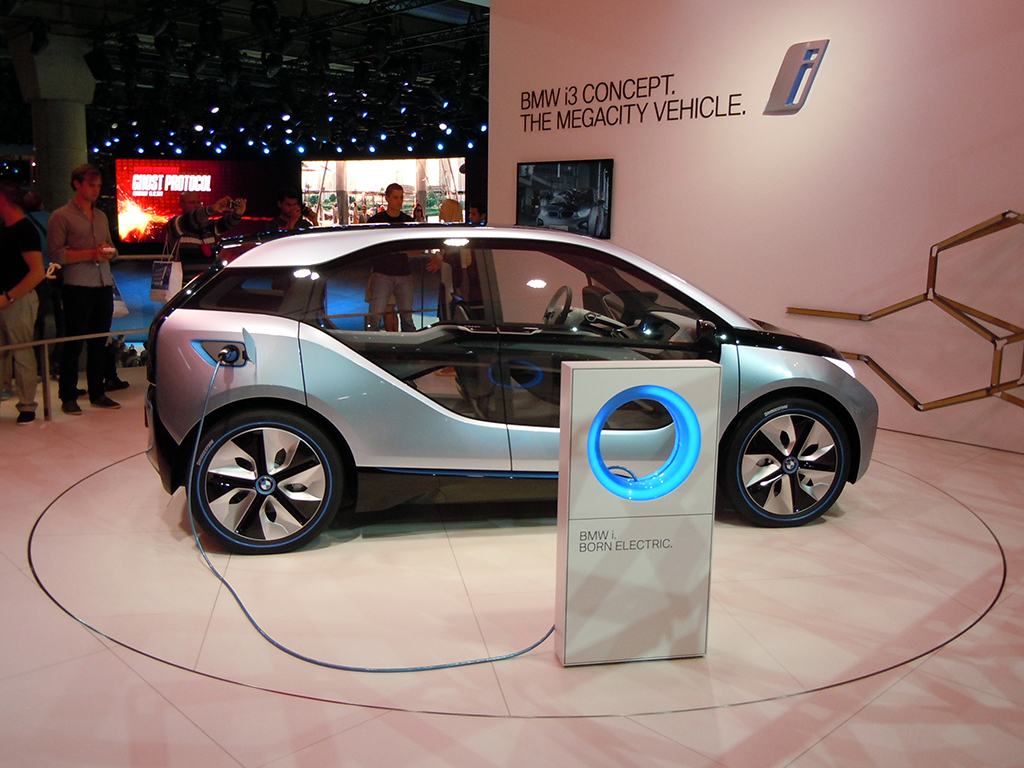
BMW i3 Concept

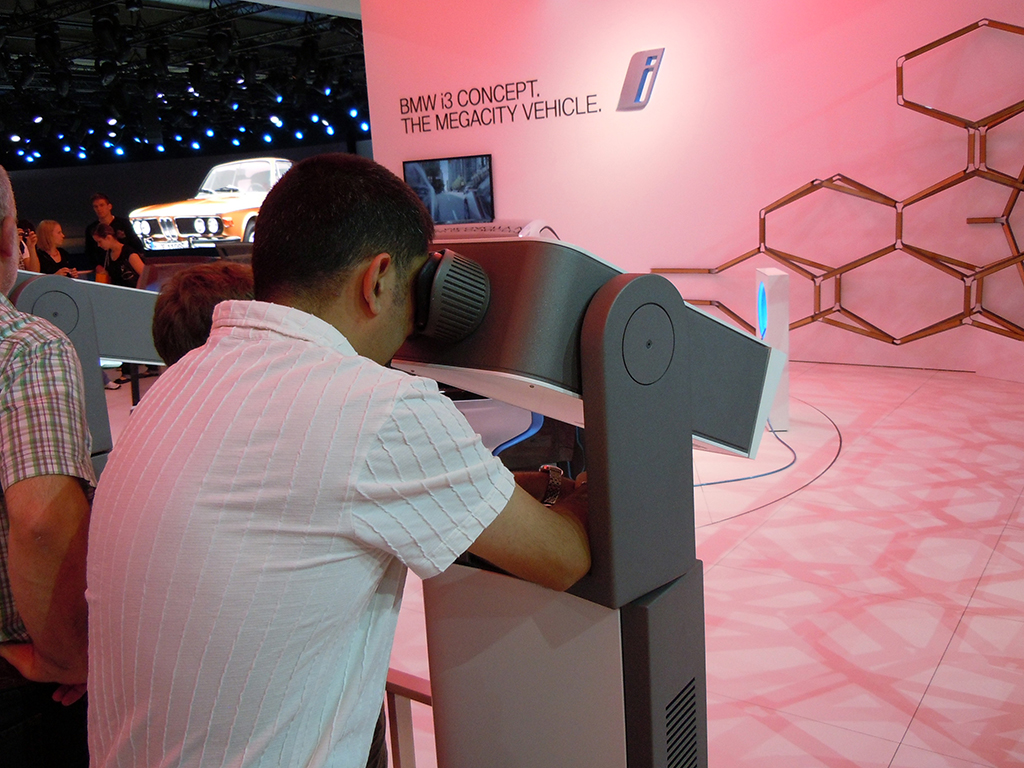
At the BMW i3 Concept city car area, I found an interactive telescope through which I could watch videos and product demos. To select a video, I had to move the telescope around and point it at what I wanted to play.

BMW i3 Concept Presentation via Interactive Telescope

Why the most memorable stands worked

The strongest activations turned product messaging into something visitors could do, not just watch. That worked because a gesture, a simulator ride, a scan, or a simple challenge gave the innovation a clearer mental hook and made the brand easier to remember after the show.

Extractable takeaway: At live events, technology earns its keep when it simplifies the story into one obvious action that visitors can try for themselves.

At large automotive trade shows, brands win attention by turning passive footfall into small, guided acts of participation.

The real question is not whether a stand looks futuristic, but whether the technology gives visitors a clear reason to interact, learn, and remember.

The best stands used technology as participation, not decoration.

Closing note from the show floor

I spent seven hours at IAA. It was totally awesome. The only car stalls I could not visit were those of Mercedes and Audi. There were simply too many people crowding those stands, and if I had waited, I would have missed at least half of what else I saw during my time there.

I look forward to the next Internationale Automobil Ausstellung in two years. Till then, this is Sunil signing off from IAA 2011.

What event teams can steal from IAA 2011

  • Make innovation physical. The strongest stands gave visitors something to do, whether that meant gesturing at a screen, taking a simulator ride, scanning a code, or testing a device.
  • Reward exploration. Ford’s stamp mechanic turned stand navigation into a simple game with a visible payoff.
  • Remove friction from participation. When key details are hard to find, as with Hyundai’s Facebook activation, the idea loses force.

A few fast answers before you act

What is this post?

A photo report of IAA 2011, focused on practical uses of touch, motion control, social mechanics, QR codes, and augmented reality on brand stands.

What is the single strongest engagement pattern across stands?

Interactive interfaces that pull visitors into exploration. Motion-based screens, simulators, and hands-on experiences that create a reason to stay.

Which activations stand out most?

Volkswagen’s gesture-based BlueMotion display. Volvo’s Open 70 sailing simulator with wind and water. Ford’s stamp-collection game that drives exploration.

Where does mobile show up most clearly?

Brands promote iPhone apps via leaflets and app demos, plus iPads used widely for specs, videos, and lead capture.

What is the practical takeaway for event experience design?

If you want people to engage at scale, make the interaction obvious, physical, and rewarding. Then make the next step easy to find.