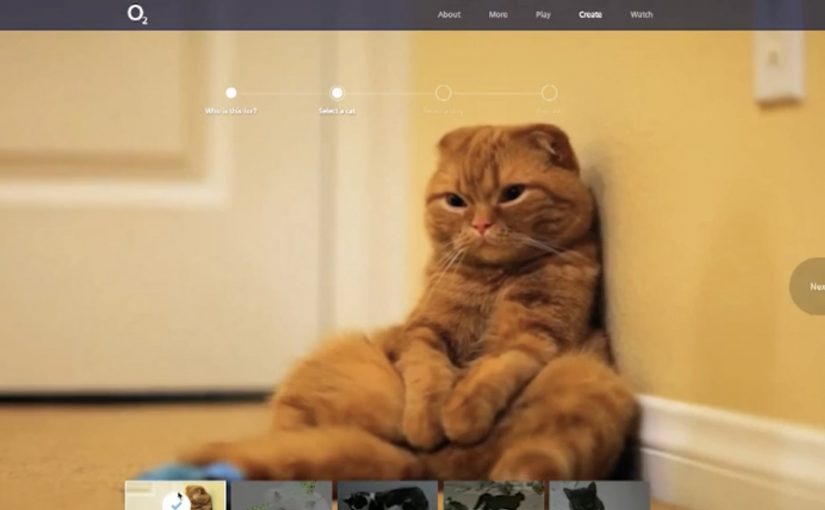
A cat decides it has had enough of being indifferent. It chases, leaps, splashes, and generally behaves like a dog. O2 UK uses that simple flip to ask people to do the same with technology. Less “meh”. More curious.
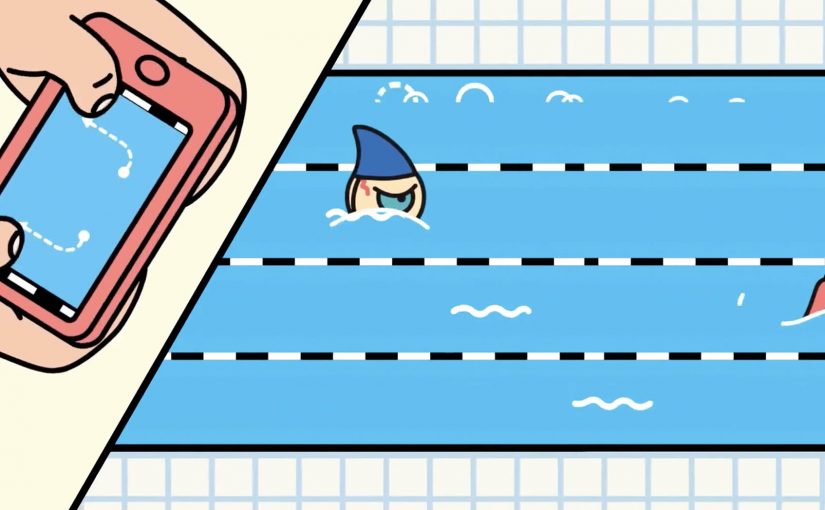
With VCCP and the Moving Picture Company, the campaign extends beyond the TV spot into a participation layer. That participation layer means the idea does not stop at the film but gives people something to do and share. On visiting www.bemoredog.com, people are greeted by a cat that acts more like a dog, then pulled into interactive play through a dual-screen HTML5 Frisbee game and a set of customisable cat videos designed for sharing.
How the integration is designed
The mechanism is a clean handoff. TV creates the character and the phrase. Mobile turns into the controller for a dual-screen game. Social carries the customisable video layer so people can pull friends into the same joke and the same attitude shift.
In UK consumer telecoms, where functional claims blur quickly, a memorable behavioural metaphor can do more positioning work than another round of feature talk.
Why it lands
It works because it uses a familiar truth. The cat-to-dog flip works because it turns an abstract behaviour change into a visual joke people understand in seconds. Cats look cool and detached. Dogs look curious and all-in. That contrast is instantly readable, and it translates directly into what O2 wants from people. Try the new thing. Explore. Stop acting like technology is background noise.
Extractable takeaway: If you want people to reframe a category, give them a single, sticky metaphor and one simple interaction that lets them experience the new attitude, not just hear about it.
What O2 is really trying to shift
This is brand positioning dressed as entertainment. The real question is how to make curiosity about new technology feel socially easy and emotionally attractive, not technically demanding. O2 is steering perception toward optimism and exploration, and using connected play to make “embracing the new” feel easy, not technical. In context, the timing also supports a broader push into newer network experiences, including 4G-era behaviour change.
What brand teams can steal from Be More Dog
- Use one character as the bridge. The cat carries TV, site, game and shareables without needing extra explanation.
- Make mobile do a job. Second-screen control is more convincing than a generic “download our app” prompt.
- Build sharing into the format. Customisable videos give people a reason to tag or send, not just watch.
- Keep the interaction lightweight. Quick play beats complicated onboarding when the goal is broad participation.
A few fast answers before you act
What is “Be More Dog”?
It is an O2 UK brand campaign that uses a cat acting like a dog as a metaphor for being more curious and enthusiastic about new technology, supported by second-screen and shareable digital experiences.
What is the core digital mechanic?
A dual-screen HTML5 Frisbee game that uses a phone as the controller, plus customisable cat videos designed for social sharing.
Why does the cat versus dog metaphor work so well?
It compresses a complex ask into a simple behavioural contrast people instantly understand, then turns that contrast into a repeatable line and a repeatable action.
What makes this an integrated campaign rather than “TV plus a website”?
The channels do different jobs that depend on each other. TV creates meaning. Mobile enables interaction. Social distributes personalised variants that pull others back into the idea.
What is the biggest way this pattern fails?
If the digital layer feels bolted on. The interaction has to express the same promise as the film, otherwise it becomes a novelty that does not move perception.