
Yellow Pages: Location Based Banner

Here is the next generation of interactive web banners. Tel Aviv agency Shalmor Avnon Amichay/Y&R promoted the Yellow Pages augmented reality location-based app by creating a banner that does the same thing. Here “location-based” means it surfaces nearby businesses based on where you are.

The banner opens your webcam and lets you see the businesses around you. Wave your hand to switch between businesses. Click a business to jump straight to its Yellow Pages listing.

A banner that behaves like the product

The clever part is that this is not “interactive” for decoration. It is a working demo of the core value proposition. If the app helps you find what is near you, the banner proves that promise immediately, inside the placement, without asking you to imagine anything. Utility products should be advertised by demonstrating usefulness, not by describing features.

The mechanic: webcam as context, hand wave as UI

The flow is intentionally simple. Turn on the camera. Overlay nearby business options. Use a wave to move through results. Use a click to convert curiosity into action via the listing page.

In local discovery experiences, the strongest persuasion is a live, context-matched preview of usefulness rather than a feature claim.

Why it lands: it removes the “so what” gap

Most directory and local-search advertising dies in the space between promise and proof. The real question is whether your ad can turn a promise into proof without leaving the page. This banner collapses that gap, because it starts with your own context, then shows results, then lets you act. The interaction is the explanation.

Extractable takeaway: The fastest way to make a utility app feel essential is to let people experience the “aha” moment before they ever leave the page they are on.

What Yellow Pages is really trying to achieve

The business intent is to reposition Yellow Pages as modern, digital, and situationally useful, not just a legacy directory brand. The banner also creates a clear performance path. Engagement inside the unit, then click-out to a listing that can drive calls, visits, or follow-on app consideration.

Steal the demo-first local discovery pattern

  • Mirror the product in the ad. If the product is a tool, make the ad behave like the tool.
  • Use one gesture people understand. A wave as “next” is instantly legible. No tutorial needed.
  • Keep the ladder of commitment short. Preview. Browse. Click through. No extra steps.
  • Make the experience readable for bystanders. Obvious motion plus clear on-screen change sells the mechanic in shared environments.
  • Watch privacy optics. If you turn on a camera, be explicit that it is for interaction and context, not identification.

A few fast answers before you act

What is a “location based banner”?

It is a banner ad that adapts its content to the user’s situation, typically location or environment cues, so the ad can show relevant nearby options instead of generic messaging.

How does this Yellow Pages banner work?

It opens a webcam view, overlays nearby business options, lets you wave to cycle through businesses, and lets you click a result to open the corresponding Yellow Pages listing.

Why use a webcam at all?

Because it makes the experience feel immediate and personal. The ad becomes a live “finder” interface rather than a static claim about finding things.

What makes gesture-controlled banners risky?

Friction and variability. If the gesture detection fails or is unclear, users assume the ad is broken. The interaction must be forgiving and the feedback must be instant.

What is the safest way to replicate the idea today?

Keep the mechanic to one simple input, provide clear on-screen feedback, and ensure the user can still get value even if they do not enable the camera.
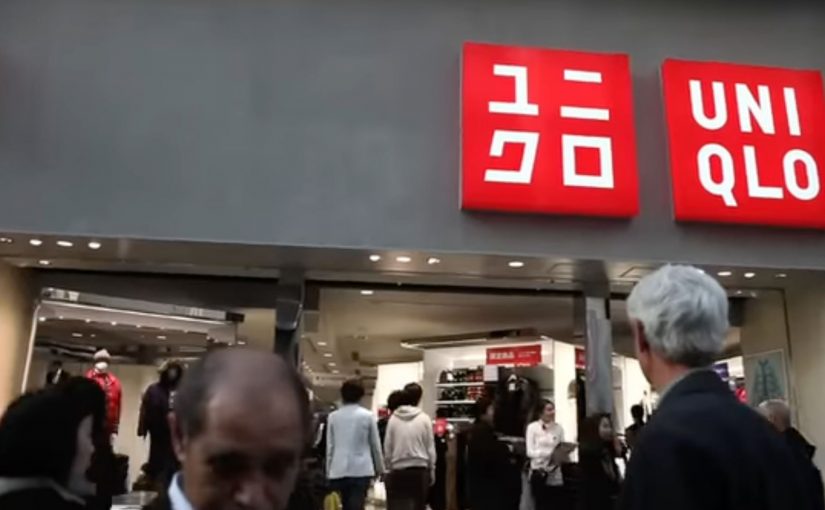
Uniqlo: The Lucky Switch Banner Campaign

A banner that hijacks the whole page

Here is a strong example of a banner campaign that refuses to stay inside the banner frame. For Uniqlo’s end-of-year clearance push, the idea came in two parts. A blog or website widget, a small embeddable code block that adds interactive functionality to a webpage, and a set of banners connected to a competition.

Flip the switch. Every image becomes a ticket

The core mechanic is simple. Embed the widget on a site, press it, and it transforms every image on that page into a Uniqlo “Lucky Ticket” that promotes the sale and the competition.

In this case, it acts like a page-level switch the viewer controls, rather than a passive ad slot.

In Japan’s fast-fashion clearance cycles, speed and novelty matter, and the web is a shortcut to scale.

Results that make the concept concrete

The outcome is the part that makes this more than a clever demo. The widget was voluntarily installed on almost 5,000 blogs and generated over 2.8 million banner clicks.

Why it lands. It feels like a playful hack

A standard banner asks for attention. Lucky Switch gives the user a satisfying action with immediate, visible impact across the entire page.

Because the viewer controls the switch and sees the whole page change instantly, the ad feels like a game mechanic, not a media placement.

It also reframes “click” into “cause”. The click is not a request to leave the site. It is a trigger that changes the environment.

The real question is whether your format earns voluntary distribution by making the first interaction feel like a reward, not a request.

What Uniqlo is really optimising

This campaign is not just chasing CTR. It is building voluntary distribution. Every blogger who installs the widget is effectively turning their own site into Uniqlo media, and every visitor is invited to interact with the brand on someone else’s page.

Extractable takeaway: Lucky Switch is what happens when you treat distribution as the product. Make the interaction so satisfying, and the reward so clear, that other sites choose to carry your campaign for you.

What to steal for your next interactive format

  • Design for “whole-page impact”. If your interaction only affects the ad unit, you are still competing with content. If it affects the page, you become part of the experience.
  • Make the click do something now. Deliver instant feedback before you ask for any deeper action.
  • Use viewer control, not autoplay. The switch metaphor makes participation feel self-directed and repeatable.
  • Reward both the host and the visitor. If you want voluntary installs, give both sides a reason to play.
  • Turn scarcity into a daily rhythm. Limited goods or rotating rewards create a reason to come back, not just click once.

A few fast answers before you act

What is Uniqlo’s “Lucky Switch” in one sentence?

A widget and banner concept that turns every image on a host page into a Uniqlo “Lucky Ticket”, making the whole page behave like the ad.

What is the core mechanism?

A page-level switch the viewer controls. Pressing it transforms the environment immediately, so the click delivers instant visible impact before any deeper action.

Why does this feel more engaging than a normal banner?

Because the user triggers a change across the entire page. The interaction reads like a playful hack, not a boxed-in ad unit competing with content.

What business intent does it serve for fast fashion?

It creates a high-speed, novelty-driven route to scale through voluntary installs, while driving sale awareness and competition participation.

What is the most transferable takeaway?

If you want banners to perform, make the click do something “now” in the user’s environment, not just ask them to leave the page.