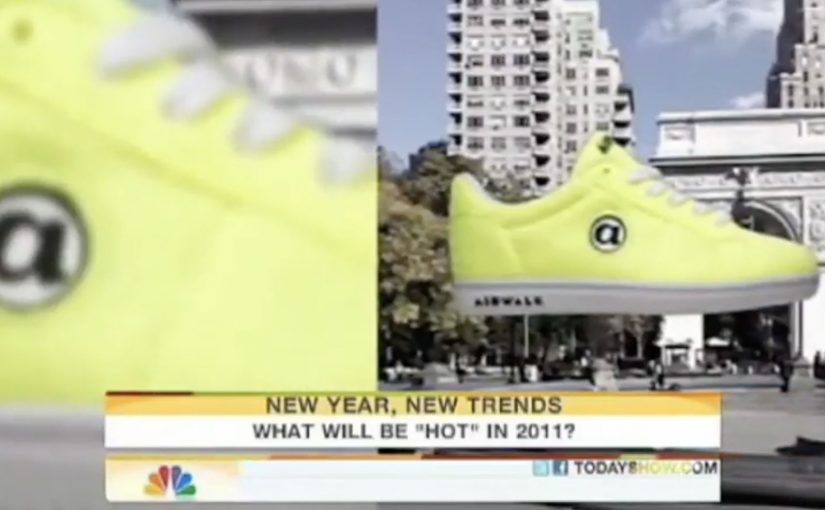
A French company called Capturio turns a t-shirt into a business card. You point your phone at what someone is wearing, and the “link” is the fabric itself. No QR code required.
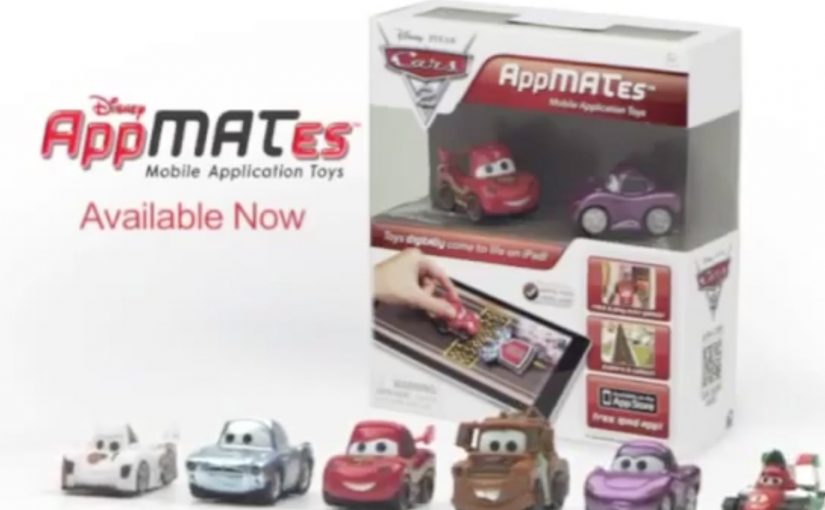
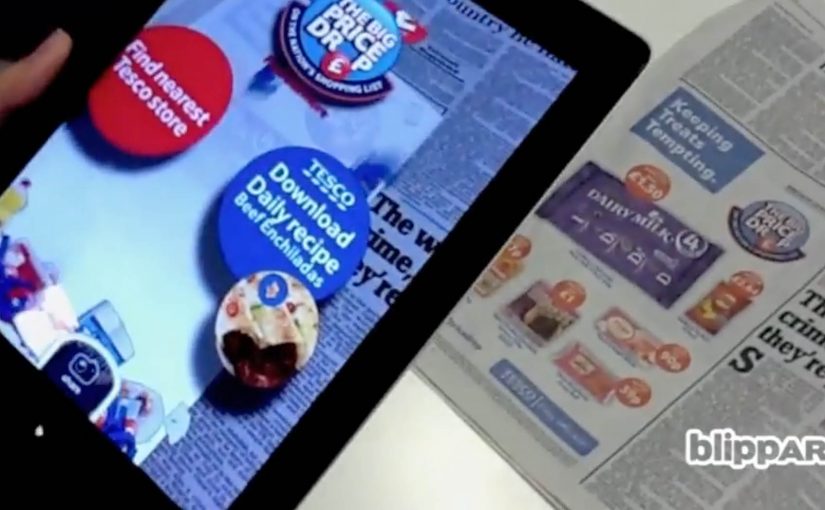
Right after that, Blippar in the UK takes the same idea to printed images. A newspaper page, poster, or pack becomes the trigger. The result is a 3D augmented reality overlay that appears on-screen the moment the image is recognised. Again, no QR code.
From visible codes to recognition triggers
QR codes get put to good use in countless innovative projects. But the drift is towards technology that produces similar results without visible codes. QR codes are not “dead”. Recognition-based triggers win whenever you can control the surface and want the interaction to feel seamless.
How “invisible links” work in practice
Capturio’s concept is simple. The physical object becomes the identifier. A t-shirt behaves like a clickable surface in the real world.
Blippar applies the same pattern to print. Image recognition here means matching what the camera sees to a known reference image so the system can anchor content to that surface.
The interaction is straightforward:
- Download a custom app, in this case the Blippar app.
- Scan a Blippar-enabled printed image, identifiable by a small Blippar logo, using an iPhone, iPad, or Android device.
- Start interacting with the augmented reality 3D overlay on the screen.
In India, Telibrahma uses the same approach to increase experiential engagement for brands via traditional media like newspapers and posters.
In consumer marketing and retail environments, this pattern turns owned surfaces into low-friction entry points for digital experiences.
Why recognition beats visible codes
A visible code is a visual tax. It signals “scan me”, but it also interrupts design and can feel bolted-on. When the surface itself becomes the trigger, the mechanism and the message align. The scan feels like discovery, not compliance. That mechanism is exactly why this pattern tends to spread once teams see it work in the wild.
Extractable takeaway: If you want people to scan, remove the decision point. Make the object itself the identifier, and make the reward immediate.
The bigger idea is not the novelty of 3D overlays. It is that physical surfaces become links. Clothing, posters, newspaper pages, packaging, storefronts. Anything that can be recognised can behave like a gateway to content, commerce, or interaction.
What this unlocks for brands
This is useful when you need a bridge from “attention” to “action” without adding friction. It can turn traditional media into a gateway for:
- Content. Rich product stories, demos, or tutorials that do not fit on-pack or on-page.
- Commerce. A route into product detail and purchase flows from packaging or print.
- Interactivity. Lightweight games, utilities, or experiences that create repeat engagement.
What to steal for your next activation
- Pick a surface you own. Packaging, print, or wearable assets work best when distribution is in your control.
- Make the trigger legible. Even without a QR code, users need an affordance like a small mark, instruction, or demo.
- Design the “first 5 seconds”. Recognition must lead to an immediate payoff, or people will not try twice.
- Decide what success means. Share, sign-up, repeat use, or store visit. Do not ship without one primary metric.
A few fast answers before you act
What does “hyperlinking the real world” mean here?
It means using image recognition and augmented reality so physical objects like shirts, posters, and print behave like clickable links without QR codes.
Which companies are the concrete examples in this post?
Capturio (France), Blippar (UK), and Telibrahma (India).
How does Blippar work at a high level?
Download the app, scan a Blippar-enabled image marked with a small Blippar logo, then interact with a 3D AR overlay on-screen.
Is this actually “the end” of QR codes?
No. QR codes remain useful. But recognition-based triggers are often preferred when you want the surface to stay clean and the interaction to feel seamless.
What types of media does this apply to?
Newspapers, posters, packaging, and other printed or visual surfaces that can be reliably recognised by a camera.
What should you measure first if you try this?
Start with activation rate, meaning how many people who see the surface actually trigger the experience. Then track the next action, such as shares, sign-ups, or clicks into commerce.