ASICS: Run With Me at the Gold Coast Marathon

ASICS has a fine history not just in running sports, but also in the innovative use of technology. So at the Gold Coast Airport Marathon, a grueling 42km run, they created a powerful demonstration of running and technology by connecting runners with their supporters like never before.

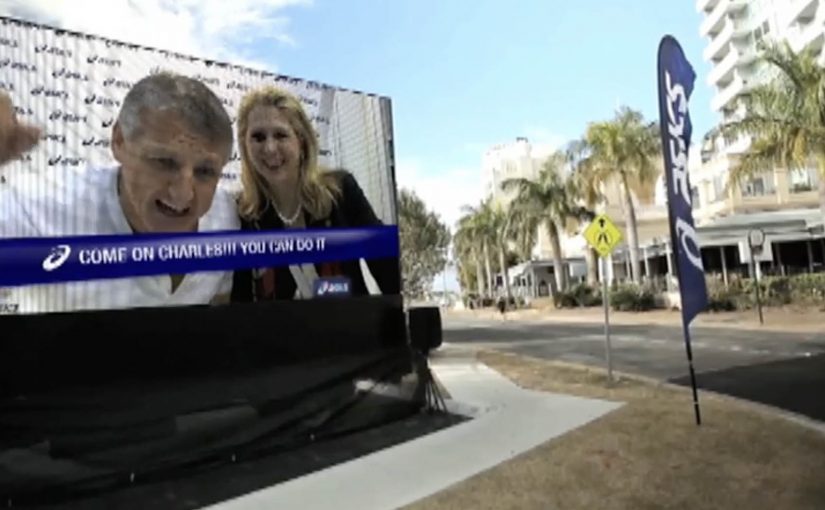
Runners were given RFID timing chips to connect their run with Facebook. This allowed them to automatically post pre-written messages at checkpoints, along with distance run and remaining, live timing, and location data plotted on Google Maps. At the same time, friends and loved ones were able to upload video messages of support, which were triggered and played as runners approached giant screens along the course.

In large-scale sports events, real-time data and social signals can turn spectators into an active support system that changes how the race feels while it is happening.

A marathon that posts for you, at the moments that matter

The clever part is not “Facebook integration.” It is the timing. Checkpoints are already emotional beats in a race. Effort spikes. Doubt kicks in. Motivation dips. By tying updates to those exact points, the campaign makes every status feel earned, and every reply from friends feel relevant.

RFID is doing quiet work here. It removes manual posting friction, and it makes the updates feel live rather than staged, because the data is anchored to race progress.

Support that shows up on the course, not just in the comments

Most event social campaigns keep encouragement on a screen at home. This one brings encouragement into the race environment. The supporter uploads become on-course content, triggered when the runner is near, so the message arrives in the body, not just in the feed.

That shift matters. It turns “cheering” from a passive gesture into an intervention, and it gives runners a reason to care about the system mid-race, not only after finishing.

Reported outcomes, and what they imply

The campaign reported that 2,000 runners, described as 15%, connected their run with Facebook. It also reported 6,000 messages of support uploaded, 1,000 video messages created at the event, and 35% of runners receiving video support. Additionally, it reported thousands of unique status updates from inside the race, 25,850 unique visitors to the microsite, and tens of thousands of return comments from friends and family.

Even if you strip the numbers back, the strategic takeaway is clear. When you connect performance data to social response, you create a loop. Effort generates updates. Updates generate support. Support reinforces effort.

What to steal for your next event activation

  • Attach the experience to natural moments. Checkpoints, milestones, and thresholds beat “post whenever you want.”
  • Automate the boring part. If the participant must manually publish, most will not.
  • Bring support into the physical environment. On-course screens, audio, or wearable prompts outperform distant encouragement.
  • Give supporters a real role. Uploading a message is simple, but it feels meaningful when it is triggered at the right time.

A few fast answers before you act

What is the core mechanic of “Run With Me”?

RFID-triggered race checkpoints publish pre-written social updates, while supporter videos are triggered on giant screens as runners approach.

Why does RFID matter here?

It makes the experience hands-free. The system captures progress automatically, so runners do not have to stop or think about posting.

What makes the supporter videos more powerful than normal social comments?

They appear in the runner’s world during the effort, not after it. Timing plus proximity turns a message into motivation.

What is the biggest risk when building this kind of live experience?

Reliability. If triggers misfire or content appears late, the emotional payoff collapses. The tech has to feel invisible and dependable.

How do you measure success beyond impressions?

Opt-in rate, supporter participation rate, trigger completion rate, and whether the loop changes behavior, for example more mid-race engagement and higher repeat participation intent.

Marie Claire: Print Pages You Can Tap to Buy

Enabling readers to buy directly from magazines or newspapers is slowly going to become the industry standard, as revenues from print continue to slip.

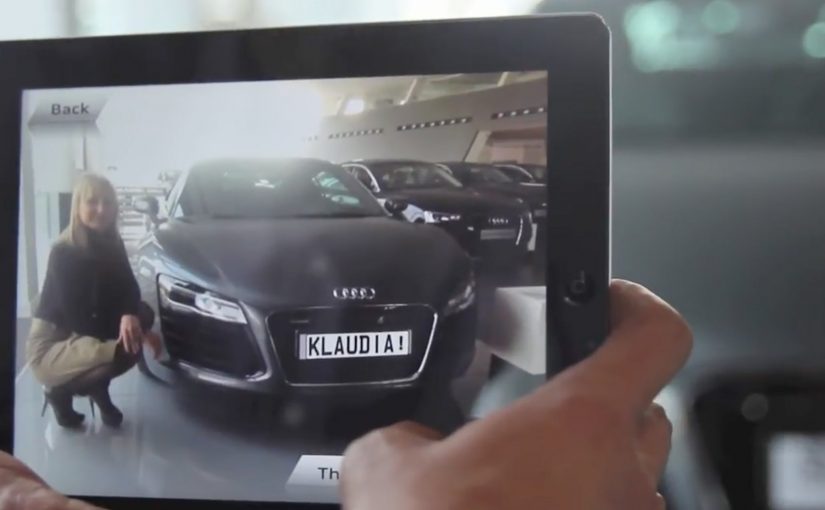
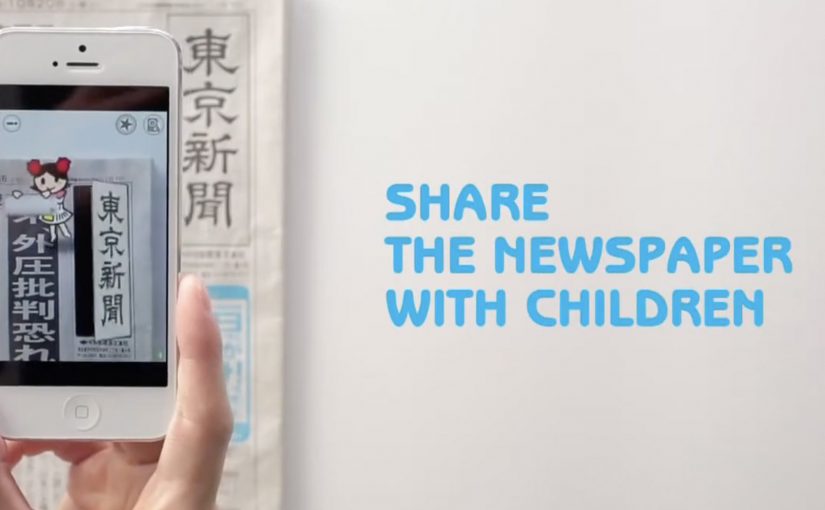
Last year Ikea re-imagined their catalog via a special visual recognition app that brought its pages and offerings within to life. Now Marie Claire has taken it one step further by letting their readers use the Netpage app to interact with its printed pages, clip, save, share, watch and buy.

The Netpage app is described as using a combination of image recognition, augmented reality and digital twin technology. Hence no special codes, watermarks or special printing processes are required. In this context, “digital twin” is used to describe a digital counterpart of each page that can be recognized and linked to interactive layers.

Shoppable print, without QR code clutter

Shoppable print is the fusion of editorial content and commerce, where a reader can move from “I want that” to checkout directly from the page. The key difference here is interaction that is designed to feel native to reading. Not bolted on as a separate scanning ritual.

Why this matters for magazines and brands

Once print becomes tappable, the page stops being an endpoint. It becomes a trigger for a whole set of actions, saving for later, sharing with friends, watching richer product context, and buying immediately.

That shift reframes the business model. The magazine is no longer only monetized by ads and subscriptions. It can also participate in the transaction path.

What to steal if you publish or sell through content

  • Design interaction as a reading behavior, quick actions that fit the moment, not a separate “tech demo.”
  • Reduce visual noise, if recognition can be invisible, the page stays premium.
  • Offer multiple intent paths, not everyone wants to buy now, but they might save, share, or watch.
  • Make the jump from inspiration to action short, the fewer steps, the more commerce you unlock.

The future is all about content being fused with commerce so that it’s a quick step from reading about an item to buying it. So get ready!


A few fast answers before you act

What does “interactive print” mean here?

It means a printed page can be recognized by a phone app and instantly connected to digital actions like clipping, saving, sharing, watching content, and buying.

How is this different from QR codes?

The interaction is designed to be code-free on the page. The recognition layer is meant to feel invisible, so the magazine layout stays clean.

What is the core value for readers?

Convenience. Readers can act on interest immediately, whether that means saving an item, sharing it, or purchasing it, without leaving the content context.

What is the core value for publishers?

A measurable engagement layer and a commerce path. Pages can generate trackable actions and potentially incremental revenue beyond print ads.

What is the biggest adoption risk?

Habit change. If the scanning flow feels slow or unclear, people will not repeat it. The first experience must be fast, obvious, and rewarding.

BMW i window into the near future

A street-level window in New York City behaves like a digital mirror. As traffic passes, the “reflection” transforms everyday cars into BMW i3 and i8 vehicles, giving passersby a glimpse into the near future.

The context. BMW i and “Born Electric”

The upcoming BMW i vehicles look distinctly futuristic and are positioned to arrive as early as late 2013. To build awareness for the BMW i Born Electric Tour in New York City, BMW reinforces a simple message. The future is closer than you think.

The execution. A live reflection that rewrites reality

BMW turns a window at the event location into a real-time “reflection” of passing traffic. The system captures what is happening on the street and swaps the vehicles in the live view for BMW i models, so the future feels present in the exact moment people walk by.

Why this works. Low friction, high surprise

The interaction requires no download, no instruction, and no commitment. It is immediate, legible from a distance, and designed for public curiosity. The value is the reveal. A familiar street scene. Then a future version of that same scene.


A few fast answers before you act

What is BMW i Window Into the Near Future?
A street-level installation that turns a window into a live digital “reflection,” transforming passing traffic into BMW i3 and i8 vehicles.

What is it promoting?
Awareness for the BMW i Born Electric Tour in New York City and the idea that the future is closer than you think.

What is the main user behavior?
Walk by, notice the window, and experience the surprise as the street scene is transformed in real time.

Why is the window format effective?
Because it uses a natural behavior. Looking at reflections. Then subverts it with a future-state overlay.

What is the transferable pattern?
Place the experience where attention already exists, then deliver one high-clarity transformation that makes the product promise tangible.